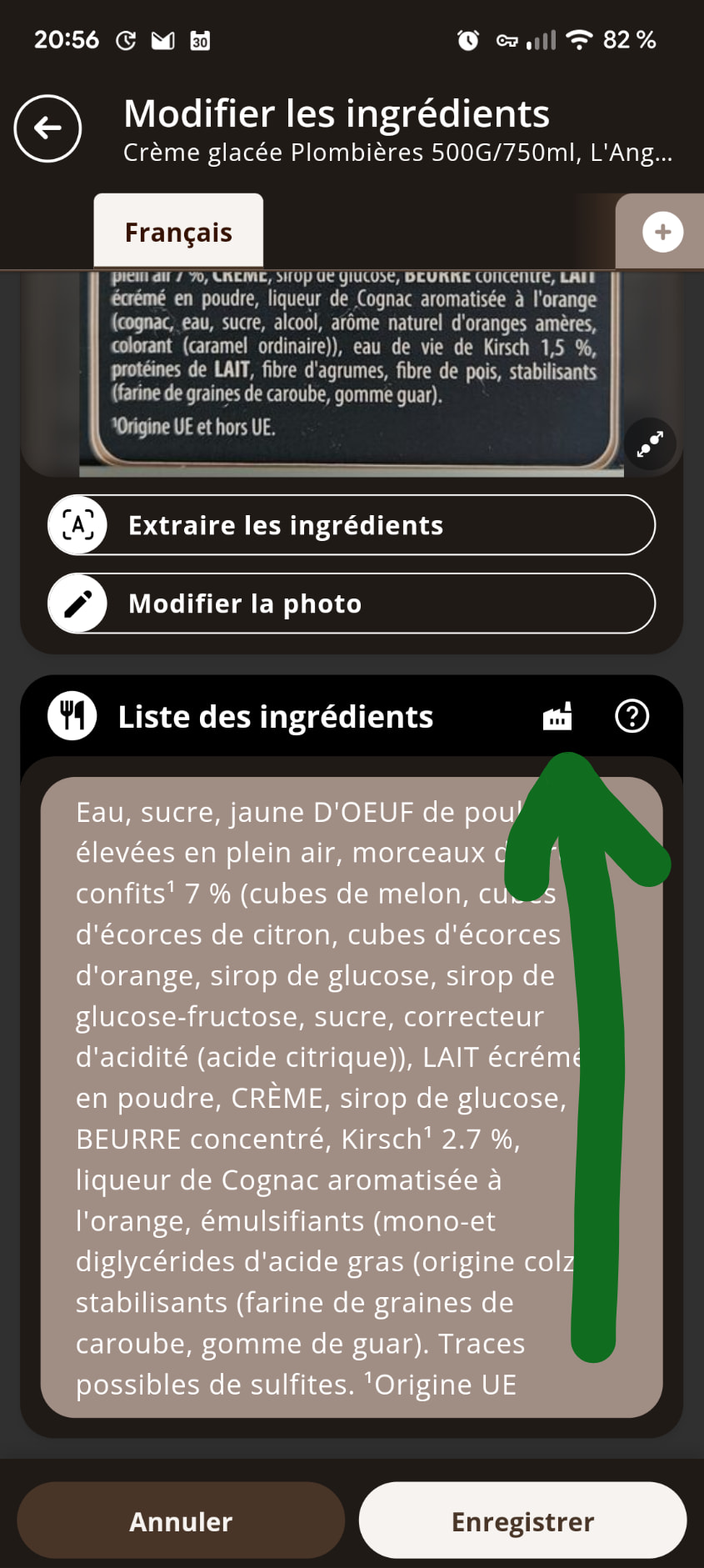
I found a few old products for which ingredients have changed over the years, although the barcode is the same. I took a pic of the ingredients, asked the app to OCR it, which it did fine, tapped the update button, but when I return to the ingredients list, it is still the old list from a few years ago. I found another thread explaining that this could happen when the ingredients list was provided by the manufacturer, but that this detail could only be seen in the web UI. So I went to the OFF web and checked the first of those products, but I don’t see any sign the ingredients are locked.
Furthermore, I feel that OFF is about users providing data, and letting manufacturers lock information does not seem very “open” to me.
Are the ingredients here indeed locked? If so where do I see it? Is there some hint in the Android app?
Or is this simply a bug?